

Table of Contents
Introduction
If you’ve been searching for a detailed BrowserAgent review, you’ve probably seen claims that this AI tool can complete hours of online work with a single command. From generating leads and researching competitors to posting on social media and collecting business data, BrowserAgent promises to automate many of the repetitive tasks that normally consume a marketer’s day.
As AI technology continues to evolve, we’re seeing a shift from chatbots that simply answer questions to AI agents that can actually perform tasks. Instead of telling you what to do next, BrowserAgent is designed to open a real web browser, navigate websites, click buttons, fill out forms, gather information, and complete online workflows on your behalf.
The platform is aimed at freelancers, agencies, affiliate marketers, business owners, and anyone who spends hours performing repetitive browser-based tasks. By automating these processes, BrowserAgent aims to save time while allowing users to focus on growing their business instead of handling routine work manually.
In this BrowserAgent honest review, I’ll explain how the software works, what features it offers, what makes it different from traditional AI tools, and answer one of the most common questions buyers ask before purchasing: Is BrowserAgent legit?
What Is BrowserAgent?
BrowserAgent is an AI-powered browser automation platform that performs online tasks through a real web browser, much like a human user would.
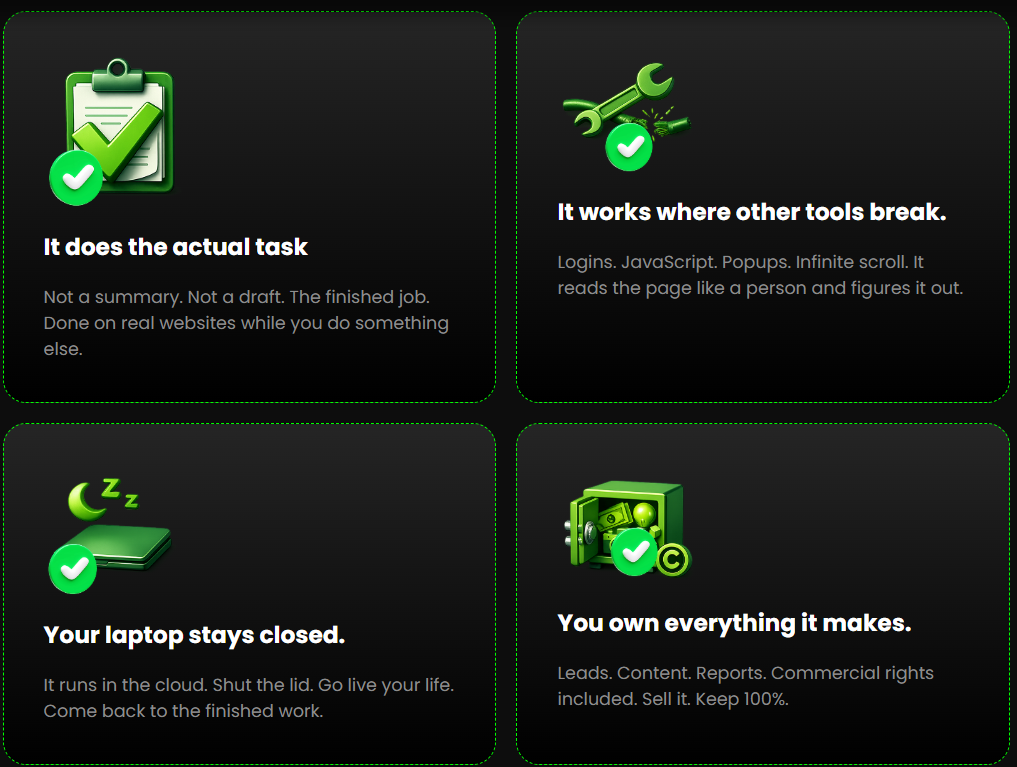
Instead of simply generating text or providing suggestions, the software can interact with websites by searching, clicking, typing, scrolling, filling out forms, collecting data, and completing workflows based on a single instruction.
Users simply describe the task they want completed in plain English, and the AI handles the execution automatically. Whether it’s finding local business leads, researching competitors, publishing content across multiple social media platforms, or gathering information from online directories, BrowserAgent is designed to reduce the amount of manual work required.
Another advantage is that tasks continue running in the cloud, meaning you don’t have to keep your computer active while the AI completes the job. You can monitor the progress through a live browser view or simply wait until the finished results are ready.
Overall, BrowserAgent is built for people who want to automate repetitive online tasks without learning coding, scripting, or complex automation software.

How Does BrowserAgent Work?
BrowserAgent is designed to keep the automation process simple, even for beginners.
Step 1: Enter Your Task
Start by describing what you want BrowserAgent to do using plain English.
For example, you can ask it to:
- Find businesses in a specific city
- Research competitors
- Collect contact information
- Publish content to social media
- Complete repetitive browser tasks
Alternatively, you can choose from one of the built-in automation templates.
Step 2: Let the AI Take Control
Once the task starts, BrowserAgent launches a real browser session and begins interacting with websites just as a human would.
It can:
- Search the web
- Click buttons
- Navigate pages
- Fill forms
- Extract data
- Copy information
- Complete multi-step workflows
No coding or technical setup is required.
Step 3: Work Continues in the Cloud
Unlike traditional desktop automation tools, BrowserAgent keeps running even if you close your browser or leave your computer.
The cloud-based system continues completing the assigned task while you focus on other work. If you want to monitor its progress, you can view the live browser session in real time.
Step 4: Receive the Finished Results
After the automation is complete, BrowserAgent delivers the finished output directly to you.
Depending on the task, this may include:
- Business lead lists
- Competitor research reports
- Contact information
- Social media publishing
- Organized datasets
- Other completed browser tasks
This allows users to spend less time on repetitive online work and more time acting on the results.

What makes it different
Most AI tools are designed to generate information. They can write emails, create blog posts, answer questions, or suggest ideas, but they still leave the actual work for you to complete.
BrowserAgent takes a different approach.
Instead of simply producing text, it performs browser-based tasks on your behalf. It can visit websites, navigate through pages, click buttons, fill out forms, collect information, and complete repetitive online workflows using a real browser session.
Another feature that stands out is its cloud-based automation. Once you assign a task, BrowserAgent continues working even if you close your browser or turn off your computer. This makes it more like a virtual assistant than a traditional AI chatbot.
The platform also supports a wide range of business activities. Whether you’re generating leads, researching competitors, managing social media, or collecting online data, BrowserAgent aims to automate the repetitive tasks that usually consume hours every week.
For freelancers and agencies, this can also create additional opportunities by allowing you to offer browser automation services to clients without performing every task manually.
| Feature | BrowserAgent | Traditional AI Chatbots |
|---|
| Performs browser actions | ✅ | ❌ |
| Searches websites automatically | ✅ | Limited |
| Collects business data | ✅ | ❌ |
| Automates repetitive tasks | ✅ | ❌ |
| Cloud-based execution | ✅ | Usually no |
| Social media automation | ✅ | Limited |
| No coding required | ✅ | ✅ |
| Beginner friendly | ✅ | ✅ |
My Personal Experience
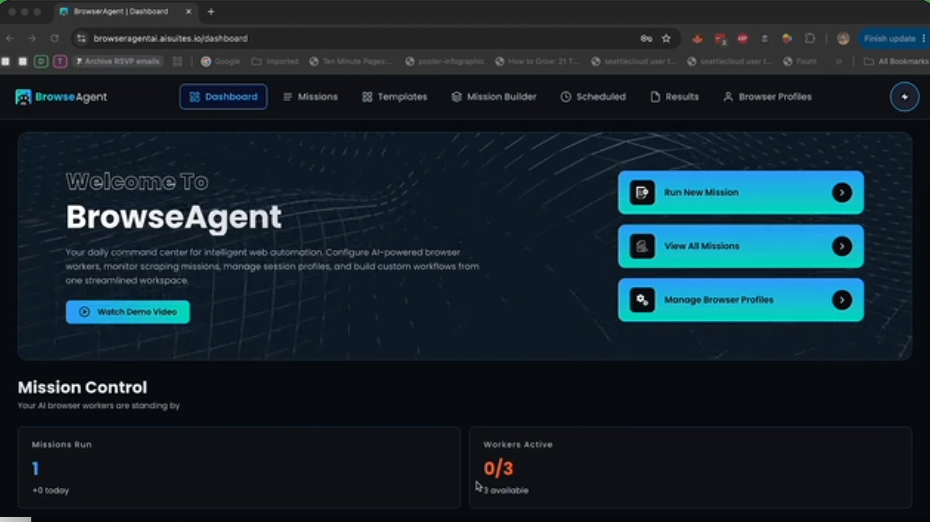
After reviewing BrowserAgent, I think its biggest strength is that it focuses on execution instead of simply generating suggestions.
Many AI platforms can tell you how to find leads, research competitors, or manage social media. BrowserAgent attempts to perform those tasks for you, reducing the amount of repetitive manual work involved.
I also like that the interface appears beginner-friendly. Users simply describe the task they want completed instead of building complicated automation workflows or writing code.
However, it’s important to have realistic expectations. Browser automation can save a significant amount of time, but it isn’t completely hands-free in every situation. Depending on the complexity of the task, you’ll still want to review the results and make sure everything has been completed accurately.
Overall, BrowserAgent looks like a practical productivity tool for marketers, agencies, and business owners who spend a large portion of their day working inside a web browser.
Pros and Cons
Pros
- Automates repetitive browser-based tasks.
- No coding or technical experience required.
- Cloud-based automation continues running in the background.
- Useful for lead generation and competitor research.
- Supports social media publishing.
- Beginner-friendly interface.
- Works across multiple industries and niches.
- Can save hours of manual work.
- Suitable for freelancers and agencies.
- One-time payment with no recurring monthly fees.
Cons
- Some complex tasks may still require manual review.
- Results depend on the websites being accessed.
- AI automation may occasionally need adjustments.
- Internet connection is required.
- Marketing income claims should not be viewed as guaranteed results.
Pricing + OTOs Breakdown

Bonuses Section
PLUS, When You Secure Your Account TODAY,
You’ll Also Be Securing These Exclusive, Limited-Time Bonuses

Bonus #1
10 Niche Money-Mission Packs — $197 value
Ten of the most profitable niches. Ten ready-to-run mission sets. Local marketing, ecommerce, real estate, coaching, affiliate, restaurants, fitness, legal, SaaS, freelancing.
Each pack tells you which missions to run, what to charge, and how to deliver. Load one. Start earning the same day.
Bonus #2
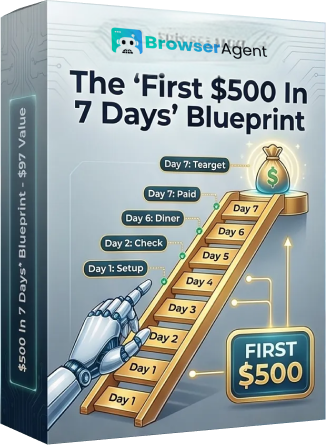
The “First $500 In 7 Days” Blueprint — $97 value
Day by day. Hour by hour. From “I just bought this” to “I just got paid.”
Exact niche. Exact pitch. Exact fulfillment. No guessing anywhere.
Bonus #3
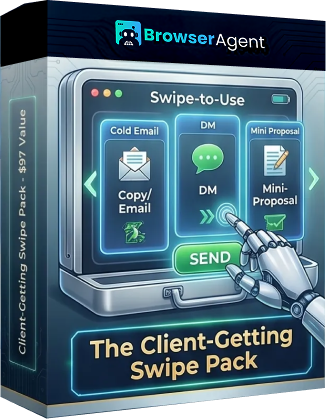
The Client-Getting Swipe Pack — $97 value
Cold outreach messages, DMs, and mini-proposals that start conversations and close small deals.
Copy. Paste your offer. Send. Let BrowserAgent fulfill when they say yes.

Bonus #4
Private Members Community — $97 value
Other BrowserAgent users. Real results. Live right now.
Winning missions. Hot niches. What’s working this week. Ask a question and get an answer from someone who already figured it out.
Bonus #4
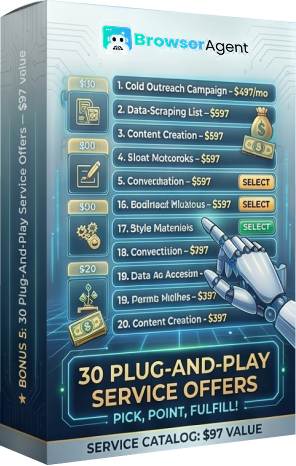
30 Plug-And-Play Service Offers — $97 value
Thirty done-for-you services, each one BrowserAgent can fulfill. Suggested pricing included.
Pick an offer. Point a mission at it. You have something to sell this afternoon.
Bonus #4
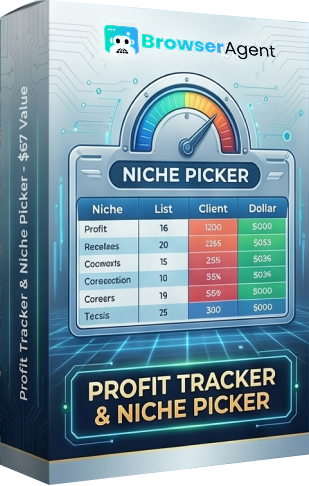
Profit Tracker & Niche Picker — $67 value
A simple spreadsheet. Helps you pick the right niche and track every list, client, and dollar.
Clarity from day one. No more second-guessing where to start.
Explain:
Click here Check the Price Right now
Who Is This For?
BrowserAgent is ideal for:
- Affiliate marketers
- Digital marketers
- Freelancers
- Marketing agencies
- Local SEO professionals
- Business owners
- Virtual assistants
- Lead generation specialists
- Social media managers
- Anyone who wants to automate repetitive browser tasks
If you regularly spend hours researching businesses, collecting data, filling out forms, or managing browser-based workflows, BrowserAgent could help simplify many of those repetitive tasks.
And Of Course, BrowserAgent Also Have A 14-DAY MONEY back GUARANTEE!
You can also check out these hot ones:
Commission OS Review: AI CPA Marketing Platform
Litmus AI Review 2026: Can This AI Marketing Tool Turn More Visitors Into Buyers?
Faith AI Review: Create Christian Content, Build Websites & Earn Online
Frontier AI Review: 100+ Premium AI Models in One Powerful Platform
SerpSling AI Agency Review 2026
Sansuu Royalty Review 2026